The Complete Guide to HubSpot Branding and Brand Kits


Why Branding HubSpot Gets Complicated (And How to Get It Right)
Branding HubSpot is the practice of configuring, managing, and scaling your brand identity inside HubSpot's platform — from logos and color palettes to multi-brand tracking and AI-powered content.
Here's what you need to know at a glance:
- Brand Kit — Set your logo, favicon, colors, fonts, and theme under Content > Brand
- Brands add-on — Required (with Marketing Hub Enterprise) to manage multiple brand identities in one account
- Super Admin access — Only Super Admins can create or edit Brands
- Up to 100 Brands — Each add-on instance adds one Brand; purchase multiple to scale
- AI brand identity — Available in Content Hub Professional or Enterprise via Breeze AI
Managing brand assets inside HubSpot sounds straightforward. In practice, it rarely is.
Most teams start with one logo, one color palette, and good intentions. Then the business grows. A second product line launches. An acquisition happens. Suddenly you're managing two distinct audiences, two sets of campaign assets, and one very messy HubSpot account.
This matters more than it might seem. 71% of consumers — especially Gen Z — say they're more likely to buy from brands they trust. And 50% of users form an opinion about a business the moment they see its design. Brand consistency isn't a nice-to-have. It's a revenue lever.
HubSpot's branding tools — the Brand Kit, the Brands add-on, and Breeze AI — are built to solve exactly this problem. But only if you know how to configure them correctly.
This guide walks you through the full picture: from setting up your Brand Kit for the first time, to managing multiple brands at enterprise scale, to using AI to keep every asset on-voice without burning out your team.
Mastering Enterprise Identity in HubSpot

When we talk about branding hubspot at the enterprise level, we are moving beyond simple hex codes. We are talking about organizational architecture. For companies managing a portfolio of products or sub-brands, HubSpot offers three distinct paths to stay organized. Choosing the wrong one can lead to "muddy swimlanes" where data from Brand A accidentally leaks into the marketing emails of Brand B.
To manage multiple brands effectively, you first need to understand the hierarchy of HubSpot’s organizational tools.
Teams vs. Brands vs. Multi-Account Management
| Feature | HubSpot Teams | HubSpot Brands | Multi-Account Management |
|---|---|---|---|
| Best For | Internal org charts | Distinct brand identities | Separate legal entities |
| Data Access | Partitioned by user | Shared database, tagged | Completely isolated |
| Brand Kits | One per account | One per Brand | One per account |
| Reporting | Filtered by Team | Filtered by Brand | Separate dashboards |
The Brands feature is designed for organizations that share a common business model but have different "faces" in the market. Think of a car manufacturer with two different brands: they share the same manufacturing data and perhaps even the same marketing team, but the customer experience, logos, and websites must remain entirely separate.
Requirements and Permissions
Before you dive in, only Super Admins can create or edit Brands. This is a high-level security measure to ensure that your primary brand domains and account defaults aren't accidentally overwritten. You also need a Marketing Hub Enterprise subscription. Each Brand add-on you purchase allows for one additional brand identity, and you can scale this up to 100 Brands by purchasing multiple instances.
Domain Strategy: Primary vs. Secondary
In branding hubspot, your domain is your anchor. While your account has one primary domain, each Brand add-on grants you access to an additional brand domain. This allows you to host content on entirely different URLs while keeping all your lead data in one centralized CRM.
Step-by-Step: Setting Up Your Branding HubSpot Kit
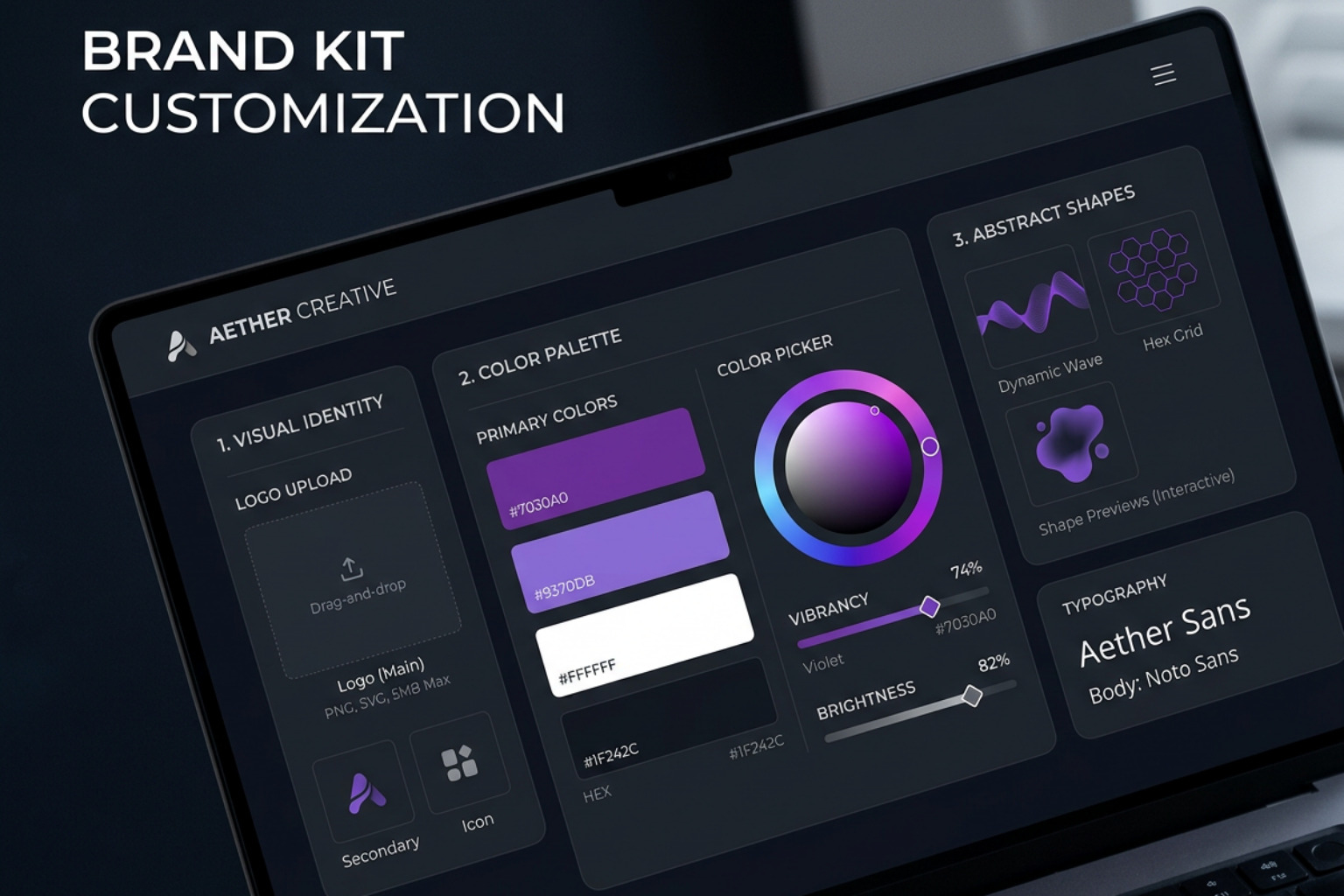
The Brand Kit is the "source of truth" for your visual identity. To find it, navigate to Content > Brand in your settings. If you have the Brands add-on, you’ll see a dropdown menu in the top-right to select which brand you are currently editing.
1. Logos and Favicons
You can upload multiple logos for different use cases (dark mode vs. light mode), but you must set one as the default.
- Pro Tip: Always enter Alt Text for your logos. This isn't just a "nice-to-have" for accessibility; it’s a critical component for SEO that helps search engines understand your brand's visual presence.
- Favicons: You can add up to 20 favicons per Brand. These only apply to content hosted on HubSpot.
2. Mastering the Color Palette
HubSpot allows you to set primary, secondary, and accent colors using Hex codes. These colors will automatically populate in the content editor, scheduling pages, and quotes.
- The "Import" Shortcut: If you don't have your brand guidelines handy, you can enter your website URL, and HubSpot will crawl the site to pull your brand colors for you.
- Accessibility Check: We recommend maintaining a 4.5:1 contrast ratio for body text to remain WCAG AA compliant.
3. Typography and Custom Fonts
While HubSpot offers a wide range of standard fonts, Branding for B2B often requires a unique typographic voice to stand out. You can upload custom fonts in TTF, OTF, or WOFF formats.
- Consistency is Key: Set your default heading and body fonts here to ensure that every landing page created by your team looks like it came from the same designer.
4. Theme Selection
A theme is a set of templates and style settings. In the Brand Kit, you can select which theme is the "active" one for that specific brand, ensuring that any new pages created for that brand pull from the correct design system.
Advanced Multi-Brand Reporting and Asset Management
Once your visual identity is set, the real work begins: managing the data. One of the most powerful aspects of branding hubspot is the ability to keep your data clean even when your brands overlap.
Tracking Codes and Cookie Banners
Each Brand in your account can have its own unique tracking code. This is vital if you are running multiple websites. It allows you to:
- Install unique cookie consent banners for each brand.
- Segment traffic data by brand domain.
- Ensure that "Brand A" cookies don't interfere with "Brand B" user experiences.
Reporting on Brand Performance
How do you know which brand is pulling its weight? By leveraging the 'Brands' contact property. When you create a Brand, HubSpot automatically generates this property. You can use it to:
- Filter Dashboards: View a high-level dashboard that only shows leads or revenue generated by a specific Brand.
- Create Brand-Specific Reports: In the Report Builder, add the 'Brands' property to see a breakdown of performance across your entire portfolio. For those focused on Branding for B2B Tag, this is how you prove the ROI of your brand equity.
Subscription and Opt-Out Management
This is where many marketers get into legal trouble. If a customer unsubscribes from "Brand A," do they also want to unsubscribe from "Brand B"? With the Brands feature, you can manage subscription preferences individually. This ensures that if a user opts out of marketing emails for your "Budget" brand, they can still stay subscribed to your "Premium" brand.
Associating Assets
To keep your account decluttered, you should associate the following assets with specific Brands:
- Campaigns: Tag every campaign with a Brand to track its specific impact.
- Marketing Emails: When creating an email, select the Brand to ensure the correct logo and footer information are automatically applied.
- Forms: Capture leads directly into the correct brand "swimlane" by associating the form with a specific brand identity.
Using AI to Scale Branding HubSpot Content
In the AI era, maintaining a consistent brand voice is the new frontier of Marketing Technology Companies. HubSpot’s Breeze AI is designed to help you generate your brand identity context with AI so your automated content doesn't sound like a generic robot.
Crawling for Context
Breeze AI can crawl your existing website to "learn" your brand. It looks for:
- Voice and Tone: Is your brand sassy like Wendy’s or professional like a law firm?
- Ideal Client Profile (ICP): Who are you actually talking to?
- Competitive Landscape: Who are you positioned against?
Content Hub Integration
Once Breeze has "indexed" your brand identity, it becomes an invisible assistant in the Content Hub. When you use AI to generate a blog post or a case study, the system doesn't start from scratch. It references your Brand Kit and your AI-generated brand context to ensure the output matches your established voice. This is how senior marketers scale content without sacrificing brand equity.
Frequently Asked Questions about Branding HubSpot
What happens to my data if I delete a Brand in HubSpot?
Deleting a Brand is a serious action. When you delete a Brand:
- Data Migration: Most data and assets will move back to your "Account Brand" (your primary account identity).
- Subscriptions: Existing subscriptions are maintained, but brand-specific unsubscribe preferences are removed.
- Asset Relocation: You will need to manually re-associate assets like forms and emails if you want them to stay organized under a different category.
How many Brands can I manage in a single HubSpot account?
Standard HubSpot accounts allow for one Brand Kit. However, with the Brands add-on, you can manage up to 100 Brands in a single account. Each instance of the add-on you purchase unlocks one more Brand slot. This is the ideal solution for scaling business models that launch new products or sub-brands frequently.
Can I use different tracking codes for each Brand?
Yes. In fact, we highly recommend it. By using unique tracking codes for each Brand, you can manage domain-specific analytics and customized cookie banners. This ensures that your reporting is accurate and that your cross-brand reporting doesn't become a tangled mess of overlapping sessions.
Conclusion
Managing branding hubspot is no longer just about picking the right shade of orange. For the modern CMO, it's about building a scalable system where visual identity, data integrity, and AI-driven content work in harmony. Whether you are a startup building your first Brand Kit or an enterprise managing a hundred different identities, the goal remains the same: building trust through consistency.
At The Brand Algorithm, we believe that as AI continues to reshape the marketing landscape, the "human" elements of brand strategy — positioning, trust, and emotional connection — become even more valuable. HubSpot provides the tools; your strategy provides the soul.
For practitioner-level analysis of how AI is reshaping brand strategy, creative, and the CMO role, Sign up for The Brand Algorithm. We deliver the signals you need to navigate the noise of modern marketing.